Bomag BF 600 P-2 Material Feed System Troubleshooting Guide
The Bomag BF 600 P-2 paver relies on a precise material feed system to deliver consistent asphalt to the screed, directly impacting mat quality and production efficiency. When feed issues arise—such as surging, starvation, or uneven distribution—operators face costly delays and compromised pavement. This guide offers a structured troubleshooting approach for the BF 600 P-2 material feed system, focusing on conveyors, augers, sensors, and related hydraulics. Each section addresses a common failure mode, provides diagnostic steps, and recommends practical solutions, with severity ratings to prioritize repairs.
Why Is the Auger Not Turning or Spinning Slowly?
A stalled auger stops material flow to the screed, causing immediate voids in the mat. The auger drive on the BF 600 P-2 uses a hydraulic motor with a pressure range of 180–220 bar. Begin by checking the hydraulic oil level; if low, top up with ISO VG 46 fluid. Inspect the auger gearbox for leaks or damage—a failing seal may require replacement, costing approximately £850 for a complete seal kit. Next, test the auger speed sensor at the control panel; if it reads below 10 RPM with the auger engaged, the sensor or wiring may be faulty. Use a multimeter to verify continuity between the sensor and the ECU. If the hydraulic motor is seized, replace the unit (part no. 139-850-44) at a cost of £1,200–£1,500. Also, examine the auger trough for debris like cold asphalt lumps or metal fragments that physically block rotation. For severe blockages, remove the pan cover and clear manually. This issue is common in cold weather when material stiffens; run the auger in reverse momentarily to dislodge any jams.
| Issue | Severity Level | Urgency (Hours) | Estimated Repair Cost (£) |
|---|---|---|---|
| Auger not turning (hydraulic motor seized) | Critical | Within 1 hour | 1,200–1,500 |
| Auger spinning slowly (low hydraulic pressure) | Moderate | Within 8 hours | 200–400 (seal kit or filter) |
| Auger speed sensor failure | Moderate | Within 4 hours | 150–250 (sensor) |
| Physical blockage in trough | High | Within 2 hours | 0–50 (labour only) |
If the auger system persists after these checks, consult the Bomag BF 600 P-2 Screed System Performance Enhancement Tips for advanced tuning of feed controls.
Why Is the Conveyor Belt Slipping or Stopping?
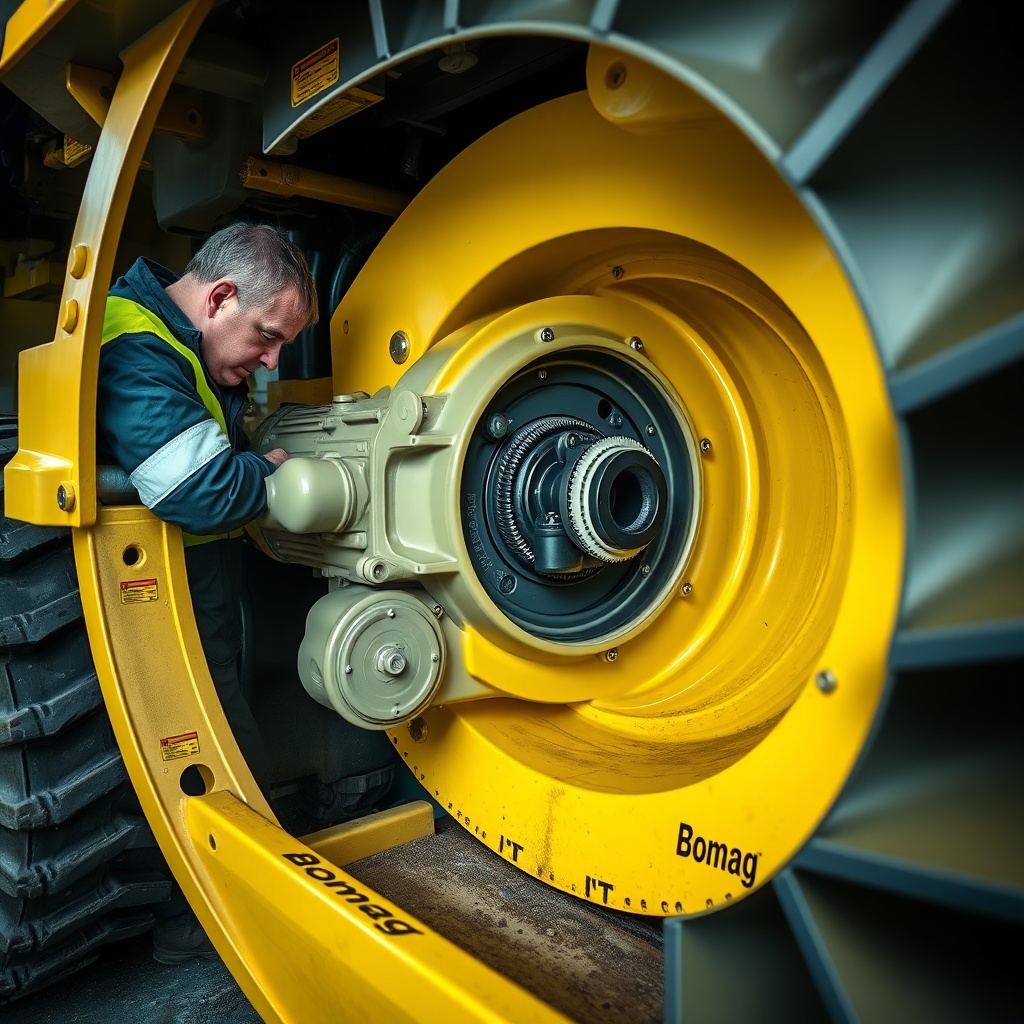
The conveyor belt feeds material from the hopper to the augers. A slipping belt leads to material starvation and uneven laydown. First, check belt tension—the BF 600 P-2 uses a spring-loaded tensioner; adjust the take-up bolts until the belt has 10–15 mm of deflection at the centre span. If the belt is worn, with cracks or frayed edges, replace it (part no. 102-345-12) at a cost of £650. Next, inspect the conveyor drive roller for wear; a polished roller reduces friction—replace if the diameter is below 170 mm. The hydraulic conveyor motor should operate at 50–60 bar; if pressure drops below 40 bar, check the relief valve setting or replace the valve cartridge (approx. £180). Also, look for material build-up under the belt or on the rollers that causes misalignment. Clean the conveyor tunnel thoroughly after each shift. For electrical issues, test the conveyor speed potentiometer on the control panel; erratic readings indicate a worn potentiometer (cost: £90). If the belt stops due to a tripped overload relay, reset and monitor for recurring faults—this often signals a hydraulic leak elsewhere.
How to Diagnose Material Starvation at the Screed?
Material starvation occurs when the screed receives less asphalt than required, causing thin spots or edge tearing. Start by visually checking the feed system: if the auger is running but material only reaches the centre, the flow gate may be partially closed. The flow gate on the BF 600 P-2 has a manual adjustment with a locking pin; ensure it opens fully to 300 mm. If the gate is stuck, lubricate the pivot with WD-40 and free it. Next, examine the conveyor speed ratio relative to the paver ground speed—this should be 1.2:1 to 1.4:1 for standard mixes. Adjust the feed control dial on the operator console; if the response is sluggish, the dial or its wiring may need replacing (cost: £120). Also, monitor the material sensor that signals when the augers need more material. On the BF 600 P-2, this is a photo-electric sensor; clean it with a lint-free cloth. If the sensor fails, the system may under-feed. Test by covering the sensor—the conveyor should stop within 2 seconds. If not, replace the sensor (part no. 201-987-65) for £240. Finally, consider the mix viscosity—high temperatures above 180°C can cause the material to flow too quickly, leading to false sensor readings; reduce mix temperature by 10°C if feasible.
What Causes Uneven Material Distribution Across the Screed?
Uneven distribution produces a wavy mat and requires immediate correction. Check the auger alignment first—the BF 600 P-2 has two auger sections; if the gap between them exceeds 50 mm, material will spill through unevenly. Adjust the auger mounting bolts to bring the gap within 30–40 mm. Next, inspect the auger flights for wear; worn flights reduce material throw. Measure the flight tip thickness—if below 8 mm, replace the flights (set of 4 for each side costs £380). Also, verify the auger speed is synchronized—both augers should run at the same RPM within 5%. Use the auger speed display on the screen; if one side is slower, swap the hydraulic hoses at the manifold to see if the problem follows. If it does, the hydraulic motor or pressure relief valve on that circuit is faulty. For a valve issue, replace the valve assembly (part no. 167-234-90) for £520. Additionally, ensure the road is level before starting; a camber in the base course can cause material to drift. Adjust the paver’s automatic grade control if equipped. For persistent problems, refer to the Bomag BF 600 P-2 Screed Electrical System Troubleshooting Guide to check sensor feedback loops.
If the issue is related to wear on the screed plates, see the Bomag BF 600 P-2 Screed Plate Replacement Procedure for step-by-step instructions on renewing contact surfaces.

Why Is the Material Sensor (Photo-Eye) Malfunctioning?
The photo-eye sensor controls the conveyor-auger cycle to maintain a consistent material level. A failed sensor leads to overfeeding or underfeeding. Begin by cleaning the lens with isopropyl alcohol and a soft brush—dirt from asphalt dust is the most common cause. If cleaning does not restore function, test the sensor’s electrical output. Using a multimeter on the sensor cable (wires 1 and 3), you should see 10–24 VDC when the sensor is uncovered and 0 V when covered. If the voltage is erratic or absent, the sensor is defective—replace it (part no. 201-987-65) for £240. Also, check the sensor bracket for damage; a bent bracket may misalign the beam. Realign the sensor so the beam hits the reflector cleanly; the distance should be 500–600 mm. If the reflector is scratched or cracked, replace it (£45). Additionally, inspect the wiring harness for chafing where it passes near the auger; a short circuit can cause the sensor to trigger falsely. Repair with heat-shrink tubing or replace the harness section (£80). For intermittent failures, the issue may be a loose connector at the ECU; disconnect and reconnect firmly.
What Owners Say About the BF 600 P-2 Material Feed System
Operators of the Bomag BF 600 P-2 often praise the feed system for its rugged design, but they flag a few recurring pain points. “The conveyor tensioner is solid, but you need to check it weekly—if it slips, you’ll see it in the mat,” says Mark S., a highway paving contractor from Leeds. Another user, John T., notes, “The photo-eye sensor gets dirty fast on dusty days; we now carry a spray cleaner on the paver.” Many owners find the auger drive robust, though bearing wear after 800 hours is common. “I replaced the left auger motor at 1,200 hours—it cost £1,300 including labour, but the machine has been trouble-free since,” reports David P. Some suggest upgrading to aftermarket wear-resistant auger flights for extended life. Overall, owners recommend keeping the feed system clean and adjusting the flow gate as mix types change. For comprehensive engine-related feed issues, see the Bomag BF 600 P-2 Engine System Maintenance: A Comprehensive Guide.
Frequently Asked Questions
1. How often should I clean the material feed system on the BF 600 P-2?
Clean the conveyor tunnel, auger trough, and sensor lens after every 8 hours of operation or once per shift, whichever comes first. Heavy use in dusty conditions may require mid-shift cleaning.
2. What hydraulic oil is recommended for the feed system?
Use ISO VG 46 hydraulic oil. The system holds approximately 60 litres; change it every 1,000 hours or annually, and replace the filter (part no. HF-110-20) at the same interval.
3. Can I adjust the auger speed independently for left and right sides?
Yes, the BF 600 P-2 has separate control valves for each auger. Adjust them via the manual flow control knobs on the hydraulic manifold near the engine deck. Keep both sides within 5% of each other.
4. What is the most common cause of conveyor belt slippage?
Material build-up under the belt is the top cause. Followed by incorrect tension. Clean the tunnel after each load and adjust tension to 10–15 mm deflection.
5. How do I know if the material sensor is failing?
Watch for the conveyor running continuously or stopping too early—both indicate sensor issues. Use multimeter testing; if voltages are incorrect, replace the sensor.
6. Where can I find replacement auger flights for the BF 600 P-2?
Authorised Bomag dealers stock them (set of 4, part no. 789-432-01, £380). Aftermarket versions are also available from specialty suppliers, but check for compatibility with the 19 mm shaft.