Why Is My Caterpillar AP555F Screed Producing Poor Mat Surface Quality?
When the screed on a Caterpillar AP555F fails to deliver a consistent, smooth mat, the root cause often lies in hydraulic pressure irregularities, worn screed plates, or improper burner calibration. This guide systematically diagnoses common screed noise issues—from knocking sounds to high-pitched whines—that signal specific mechanical or electrical faults. By following these structured checks, paving contractors can pinpoint problems early, minimizing downtime and repair costs.
Begin by inspecting the screed plate condition. Worn plates create uneven drag, which induces vibration and audible chatter. For a detailed visual assessment, refer to our Caterpillar AP555F Screed Plate Wear Indicators: A Practical Guide.
What Causes a Rhythmic Knocking Noise from the Right Screed Extension?
A rhythmic knock, synchronized with the paving speed, typically originates from the right extension’s tamping beam assembly. The tamping beam rides on eccentric bearings and cam followers. If these bearings lose preload or become contaminated with asphalt fines, the beam strikes the screed base plate with excessive force.
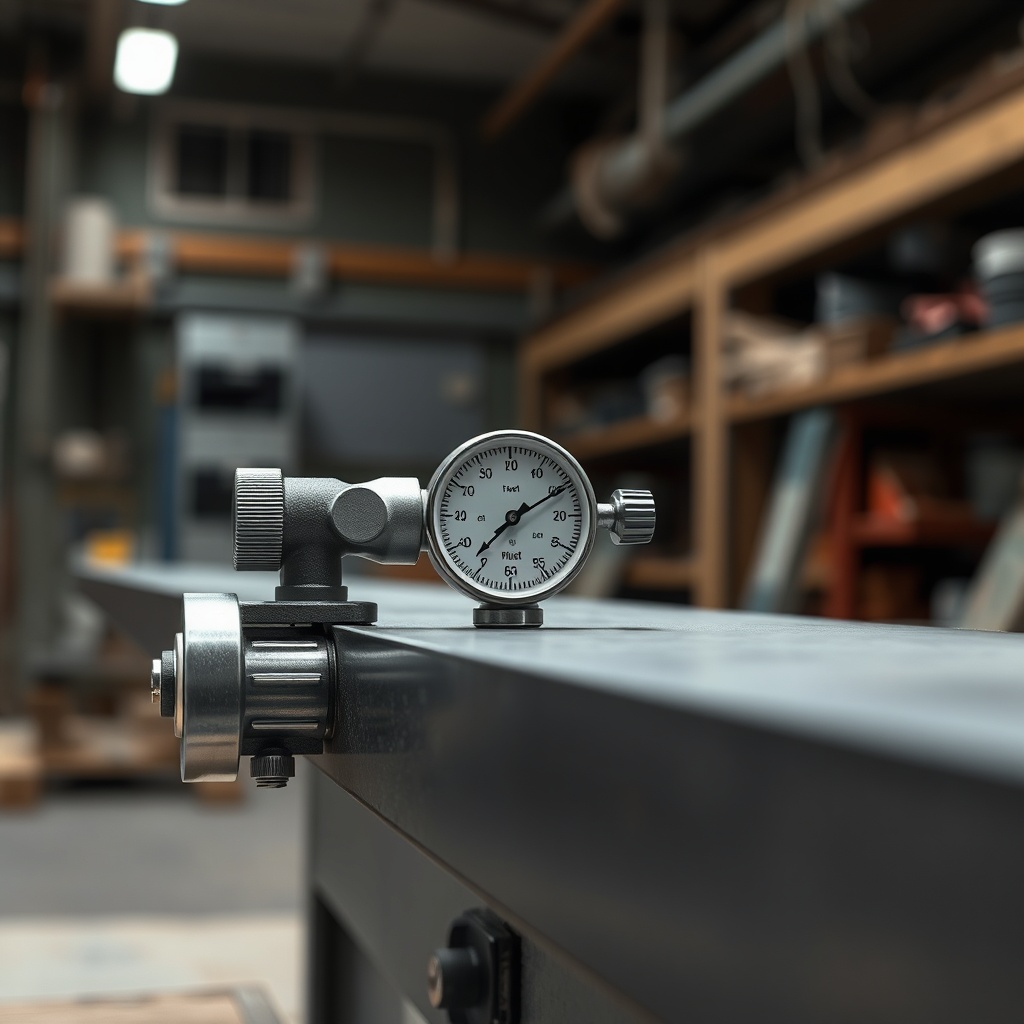
- Check eccentric bearing clearance: Use a dial indicator to measure bearing play. Acceptable clearance is 0.05mm to 0.15mm. Readings above 0.25mm indicate bearing wear.
- Inspect cam follower rollers: Rollers should spin freely with no flat spots. Replace if any roller has a flat side exceeding 2mm in length.
- Verify hydraulic flow to extension: A restricted flow control valve can cause uneven tamping action. Measure flow at the extension manifold; target is 8.5 L/min (2.25 US gal/min) at 1800 rpm engine speed.
If the knocking persists after mechanical inspection, examine the extension’s hydraulic cylinder seals. Leaking internal seals cause cylinder drift, altering tamping stroke timing. Check for oil residue around the cylinder rod.
How Do I Diagnose a High-Pitched Whine from the Screed Auger Area?
A high-pitched whine, often described as a piercing metallic squeal, usually points to auger bearing failure or a dry chaincase. The AP555F’s auger drive operates through a chaincase that lubricates both chains and bearings. Low lubricant levels cause metal-on-metal contact.
First, check the chaincase oil level. The sight glass should show oil at the midpoint when the machine is level and cold. Low level requires topping up with Caterpillar TDTO 30 or equivalent. Refill capacity is 4.2 litres (1.11 US gallons).
If the oil level is correct but the whine persists, isolate the source:
- Auger bearing test: With the engine off, rotate each auger section by hand. Feel for grinding or roughness. A bearing that catches or clicks must be replaced.
- Chain tension: Excessive chain tension amplifies noise. Adjust chain sag to 10mm–15mm at the centre of the lower strand.
- Worn sprocket teeth: Check for hooked or chipped teeth. Replace sprockets if tooth wear exceeds 1.5mm from original profile.
A neglected chaincase can lead to total auger seizure. For electrical system checks related to auger speed sensors, read our Caterpillar AP555F Screed Electrical System Troubleshooting Guide.
What Does a Metallic Scraping Sound Near the Burner Mean?
A metallic scraping sound close to the screed burner housing often indicates a failing combustion blower motor bearing or a loose fan shroud. The blower motor on the AP555F runs at a constant speed of 3450 RPM; bearing degradation produces a cyclic scrape as the rotor wobbles.
Perform these checks:
- Listen with a mechanic’s stethoscope: Place the probe on the blower motor housing. A rough, growling noise confirms bearing failure.
- Inspect the fan blades: Look for debris stuck between blades and shroud. Even a small stone can create a scraping sound.
- Check motor mounting bolts: Loose bolts allow the motor to shift, causing blade-to-shroud contact. Torque to 22 Nm (16 ft-lb).
If the scraping is intermittent, the burner’s igniter electrode may be arcing to ground. Remove the burner tube and inspect the ceramic insulator for cracks. Replace if any damage is visible.
How Can I Identify a Hydraulic Noise from the Screed Lift Cylinders?
Hydraulic noise—grunting, groaning, or buzzing—during screed lift or lower operations signals aeration, cavitation, or a failing pump. The screed lift circuit on the AP555F operates at up to 210 bar (3045 psi). Air-entrained oil produces a spongy feel and a persistent buzzing sound.
| Noise Type | Likely Cause | Severity | Recommended Action |
|---|---|---|---|
| Continuous buzzing | Low hydraulic oil level or worn pump | Moderate | Check reservoir level; if correct, test pump flow (min 45 L/min at 1800 RPM) |
| Grunting during lift | Hydraulic cylinder seal leakage | High | Perform cylinder drift test; drift > 25mm per minute indicates seal replacement |
| Sharp knocking at end of stroke | Missing or worn cushion collar | Low to moderate | Disassemble cylinder to inspect cushion collar; replace if worn below 3mm |
| A high-pitched squeal at lever initiation | Relief valve cracking pressure too high | Moderate | Adjust relief valve to factory spec: 210 ± 5 bar |
Always bleed the lift circuit after any component replacement. Air trapped in the lines can cause erratic noise and slow response. Refer to the service manual for the specific bleed procedure—it involves cycling the cylinders five times without load.
Why Is There a Rattling Sound from the Screed Crown Assembly?
Rattling from the crown assembly—the mechanical linkage that adjusts screed crown—indicates worn pivot pins or a loose adjustment screw. The AP555F uses a threaded screw and nut design to change crown angle. Over time, vibration can cause the nut to back off, creating clearance.
Inspect the following:
- Pivot pin wear: Remove the securing clip and slide out the pin. Measure pin diameter at the wear point; replace if diameter is less than 12.5mm (original is 13.0mm).
- Crown adjustment screw tightness: Use a torque wrench on the hex head. Target torque is 50 Nm (37 ft-lb). If the screw turns freely without resistance, the nut is loose.
- Mounting bracket cracks: A cracked bracket amplifies rattling. Weld repair only if crack is less than 20mm; otherwise replace bracket.
Failure to address crown assembly rattling can lead to inconsistent mat profile and increased screed plate wear. For a comparison of how screed crown affects paving performance, see our Caterpillar AP555F vs Vögele Super 1800: In-Depth Comparison.
What Owners Say About Caterpillar AP555F Screed Noise Issues
Experienced paving contractors consistently report that screed noise is an early warning indicator. John Miller, a paving superintendent with 15 years of AP555F operation, states: “A sudden change in screed sound—especially a high whine—saves you thousands if caught early. I’ve seen auger bearings fail within 10 hours of that sound starting.”
Another owner, Mike’s Asphalt Services in Florida, documented a rhythmic knock that was misdiagnosed as a worn tamper bar. After consulting diagnostic guides, they discovered a loose eccentric bearing on the right extension. The repair cost under $250, compared to potential $3000 screed plate damage.
Online forums and dealer service bulletins echo this advice: log any new noise immediately, note the paving speed and material temperature at occurrence, and check the material feed system first. A starving screed often produces characteristic chatter. Our Caterpillar AP555F Material Feed System Troubleshooting Guide provides step-by-step feed diagnostics.
Several owners recommend performing a “cold noise audit” every 250 hours: with the engine off, manually rotate augers, tamping beams, and screed lift links to feel for roughness. This simple habit catches issues before they become audible during operation.
Frequently Asked Questions
Can a clogged fuel filter cause screed noise?
Indirectly, yes. A clogged fuel filter reduces engine RPM, which lowers hydraulic pump output. At lower hydraulic flow, screed components may chatter or knock. Always check RPM before diagnosing screed-specific noise.
How often should I lubricate the screed extension pivot points?
Caterpillar recommends greasing all pivot fittings every 8 hours of operation. Use lithium-complex grease with EP additives. Missing lubrication causes dry joints that squeak and accelerate pin wear.
Is it safe to operate the screed with a persistent knocking sound?
No. A knocking sound often precedes component failure. Operating further can crack the screed base plate or damage the tamping drive assembly, leading to costly repairs. Stop paving and diagnose the source.
Does material temperature affect screed noise?
Yes. Paving below 120°C (248°F) increases asphalt stiffness, placing higher stress on the screed and causing louder chattering. At temperatures above 160°C (320°F), hydraulic fluid may thin, leading to cavitation noise in cylinders.
Where is the screed noise diagnosis section in the Caterpillar service manual?
Section 10-02 of the AP555F service manual covers noise diagnostics. Specifically, pages 10-12 through 10-18 list noise types, probable causes, and corrective actions. The manual is available from your local Cat dealer.
Can a track alignment issue cause screed noise?
Indirectly, yes. Misaligned tracks force the screed to work at an angle, loading one side more. This asymmetric load can produce clicking or popping from the screed frame. For track alignment checks, refer to our Caterpillar AP555F Track System Maintenance: A Comprehensive Guide.
For any persistent noise that defies these diagnostics, consult an authorized Caterpillar service centre. Engine system-related noise sources are covered in Caterpillar AP555F Engine System Maintenance: A Comprehensive Guide.