
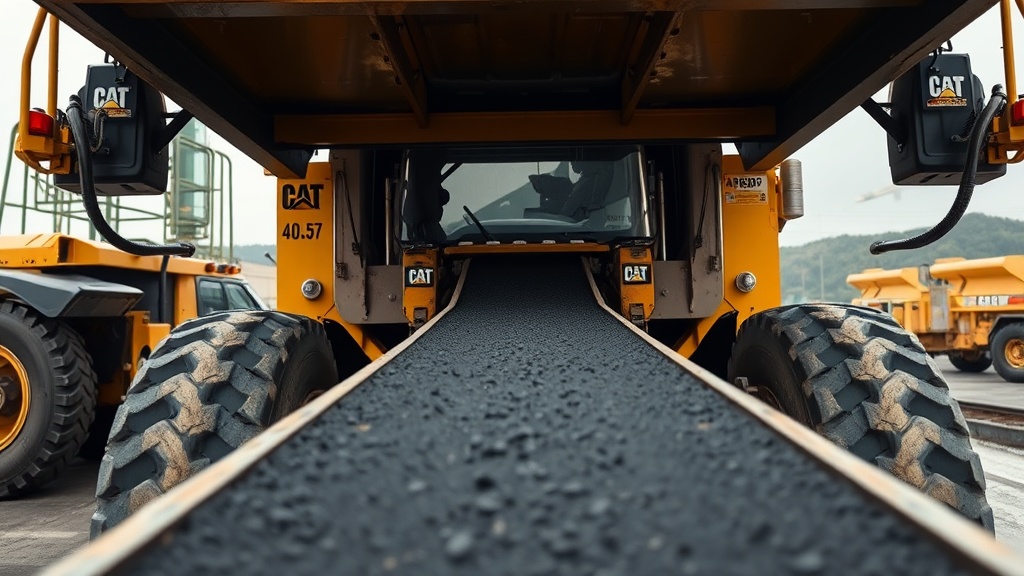
Introduction to Caterpillar AP655F Conveyor Belt Care
The Caterpillar AP655F asphalt paver relies heavily on its conveyor belt system to ensure a consistent, uninterrupted flow of hot mix asphalt from the hopper to the screed. Without proper conveyor belt maintenance, operators risk costly downtime, uneven mat quality, and premature component failure. This guide provides essential, actionable advice for extending the service life of the AP655F conveyor belt, focusing on inspection routines, tension adjustments, and common wear point management.
Regular attention to the conveyor system not only saves money in replacement parts but also keeps paving schedules on track. For those managing the entire machine, understanding how conveyor health interacts with other systems—such as the Caterpillar AP655F Fuel System Maintenance: A Comprehensive Guide—is critical for overall reliability.
How Often Should You Inspect the AP655F Conveyor Belt?
Inspection frequency directly influences belt longevity. For standard paving operations running eight to ten hours daily, a visual and tactile inspection should be performed at the start of every shift. Additionally, a more thorough check—including measurement of belt thickness and edge wear—should be conducted every 50 operating hours or at least once per week, whichever comes first.
Key inspection points include:
- Belt surface: Look for cracks, gouges, or embedded debris that can accelerate tearing.
- Edge wear: Check both sides for fraying or uneven wear, which often indicates misalignment.
- Splice condition: Inspect mechanical fasteners or vulcanized joints for loosening or separation.
- Underside wear: Examine the belt’s contact face with the slider bed for hot spots or abrasion.
- Pulley alignment: Ensure head and tail pulleys are parallel and free of material buildup.
Document findings in a logbook to track deterioration trends. If the belt shows signs of significant cracking or more than 20% of its original thickness worn away, plan for replacement during the next scheduled maintenance window.

What Is the Correct Conveyor Belt Tension for the AP655F?
Improper tension is one of the fastest ways to shorten conveyor belt life. Too loose, and the belt slips on the drive pulley, causing uneven material feed and accelerated wear. Too tight, and excessive strain is placed on the belt, bearings, and drive motor.
Recommended tension procedure:
- Cold adjustment: Always perform tension checks with the belt stationary and at ambient temperature (not heated by hot mix).
- Deflection method: Apply moderate hand pressure at the midpoint between the head and tail pulleys. The belt should deflect approximately 1/2 inch (12–15 mm) per foot of unsupported span. For the AP655F, typical unsupported spans are around 8 feet, so a deflection of 4–5 inches (100–130 mm) is acceptable.
- Track the belt: After tensioning, run the belt empty for one full revolution to confirm it tracks centrally on both pulleys. Adjust take-up screws in small increments (1/4 turn) on each side to maintain equal tension.
- Recheck after warm-up: After 15 minutes of paving, stop the machine and recheck tension. Heat from the asphalt can cause the belt to expand, loosening it slightly. Adjust as needed.
Use a belt tension gauge if available, aiming for a value between 60 and 80 lbf (pounds-force) per running foot of belt width. For the AP655F’s 24-inch-wide belt, total tension should be in the range of 1,400–1,900 lbf. Over-tightening beyond this range voids belt warranties and risks pulley shaft damage.
Which Conveyor Belt Parts Wear Most on the AP655F?
Understanding specific high-wear components helps prioritize inspection and replacement budgets. The table below outlines the most common wear items, their expected service life under typical conditions, and approximate replacement costs in pounds sterling (£).
| Component | Function | Expected Life (hours) | Replacement Cost (£) | Signs of Failure |
|---|---|---|---|---|
| Conveyor Belt (rubber) | Transports material | 1,200 – 2,000 | £850 – £1,200 | Cracking, delamination, edge fraying |
| Slider Bed Wear Strips | Supports belt underside | 600 – 900 | £180 – £250 (set) | Grooves, thinning, belt chatter |
| Head Pulley Lagging | Provides traction for belt | 800 – 1,200 | £300 – £400 | Smooth patches, reduced grip |
| Tail Pulley Bearings | Rotates tail pulley smoothly | 1,500 – 2,500 | £120 – £180 | Noise, heat, roughness |
| Take-Up Screws | Adjusts belt tension | 2,000 – 3,000 | £60 – £100 (pair) | Stripped threads, corrosion |
Regularly inspecting and replacing wear strips on the slider bed can extend belt life by 30% or more. These strips are relatively inexpensive and easy to swap during a shift change or routine service. Any unusual noise from the conveyor area should prompt an immediate check of the tail pulley bearings—failure here can seize the pulley and shred the belt within minutes.
If the screed system is also experiencing issues, cross-reference with the Caterpillar AP655F Screed Wear Parts Replacement Guide to ensure both material delivery and laydown are optimised.
How Do You Clean and Lubricate the AP655F Conveyor System?
Neglecting cleaning and lubrication is a primary cause of premature conveyor belt failure. Asphalt buildup on pulleys and idlers creates uneven running surfaces that accelerate belt wear. Additionally, contamination from dirt and fines can embed in the belt cover, acting as abrasive particles.
Cleaning routine:
- Daily: After the final paving pass and before the machine cools, use a non-metallic scraper or high-pressure air (not water, to avoid thermal shock) to remove asphalt from pulleys, idlers, and the belt surface. Pay special attention to the head pulley face where material can build up and cause belt mistracking.
- Weekly: Remove the belt (if possible) to clean the slider bed and frame. Use a solvent-based degreaser approved for rubber to dissolve any caked-on bitumen.
- Monthly: Inspect and clean the take-up assembly and screw threads. Apply a light coat of anti-seize compound to the threads to prevent corrosion.
Lubrication points:
- Pulley bearings: On the AP655F, both head and tail pulleys have grease fittings. Apply Cat Ultra Lithium Grease (or equivalent) every 100 hours, or weekly under dusty conditions. Two or three pumps of a grease gun are sufficient—over-greasing can blow seals.
- Take-up assembly: Lightly oil the screw threads and guide rods with a machine oil (ISO 68) every 200 hours.
- Slider bed wear strips: No lubrication is needed; they are designed to run dry. However, ensure they are free of debris.
Never use petroleum-based lubricants on the belt surface itself, as they can degrade the rubber compound. For tasks involving the electrical components near the conveyor, the Caterpillar AP655F Screed Electrical System Troubleshooting Guide provides relevant safety procedures.
What Are Common Conveyor Belt Mistracking Causes and Fixes?
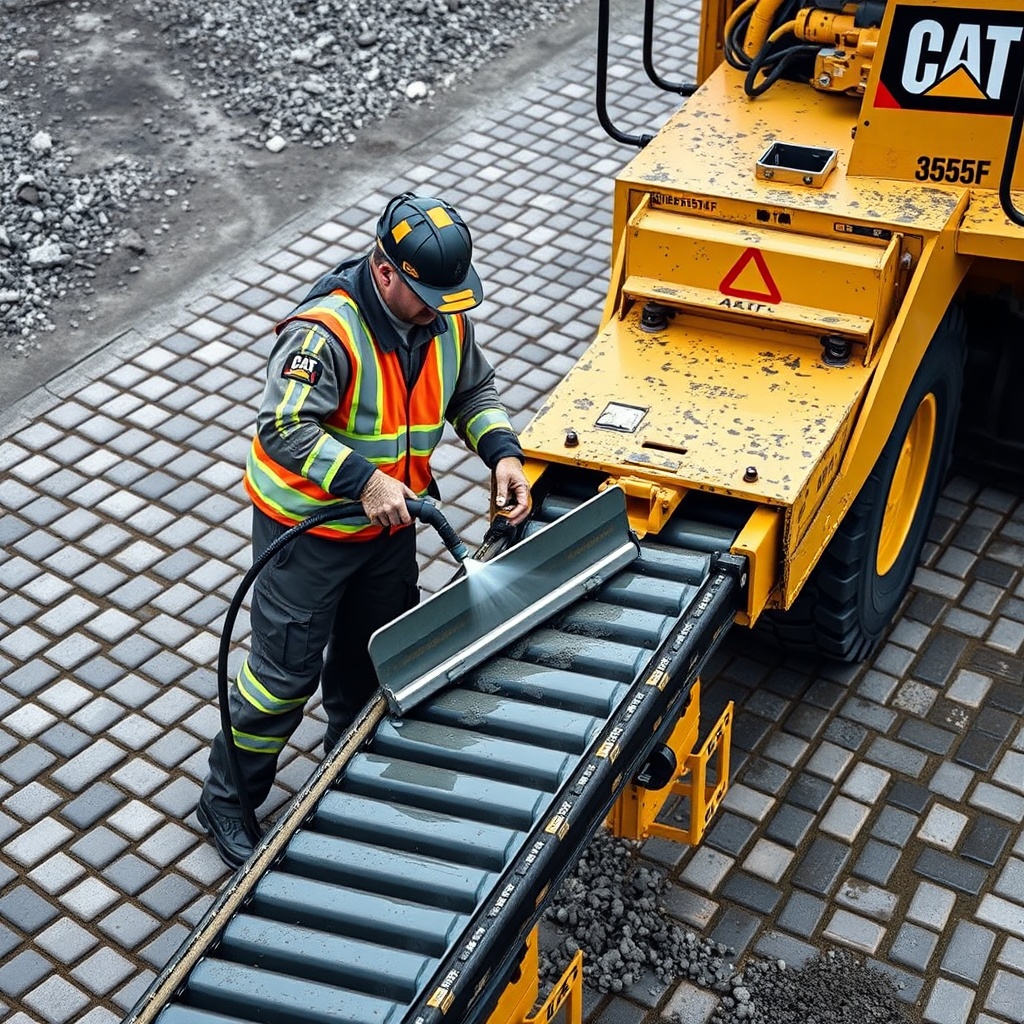
Mistracking—when the belt drifts to one side of the pulleys—is a frequent complaint on the AP655F. If left uncorrected, it leads to edge damage, spillage, and even belt rupture. The most common causes and their solutions are outlined below.
- Uneven tension: The belt pulls toward the tighter side. Solution: Use take-up screws to equalise tension. Adjust in 1/4-turn increments and run the belt to check tracking after each adjustment.
- Pulley misalignment: The head or tail pulley is not perpendicular to the belt path. Solution: Loosen the pulley mounting bolts, use a straightedge against the pulley face, and adjust until both pulleys are parallel within 1/16 inch across their length.
- Material buildup: Asphalt or fines accumulate on pulley surfaces, creating high spots that push the belt sideways. Solution: Scrape pulleys clean before each start-up.
- Worn slider bed strips: Uneven wear on the support strips creates depressions that guide the belt off-centre. Solution: Replace worn strips. If all strips show similar wear, check the frame for bends.
- Belt splice misalignment: If the belt was recently repaired or replaced, a misaligned splice will cause a rhythmic wobble. Solution: Remove the splice and reinstall with jigs to ensure squareness.
For persistent tracking issues after these fixes, inspect the screed plate wear indicators using the Caterpillar AP655F Screed Plate Wear Indicators: A Practical Guide to rule out downstream restrictions causing uneven belt loading.
What Owners Say About AP655F Conveyor Life
Operators and fleet managers who have logged thousands of hours on the AP655F consistently highlight the conveyor belt as a “workhorse” component when maintained correctly. Common praise centres on the belt’s resistance to abrasion under hot mix conditions, with many reporting 1,800 hours of service before the first major replacement.
However, several owners note that the slider bed wear strips require more frequent attention than initially expected, especially when paving aggregate blends with high silica content. One UK-based contractor reported replacing wear strips every 700 hours instead of the documented 900-hour interval, but found that doing so extended belt life to over 2,200 hours.
Another recurring point is the importance of using OEM-approved lubricants. A fleet supervisor in Scotland mentioned that switching to Cat-specified grease reduced pulley bearing failures by 40% over two years. Meanwhile, operators appreciate the ease of adjusting take-up screws, describing the process as “tool-free with just a breaker bar.”
For those diagnosing unusual sounds, the Caterpillar AP655F Screed System Noise Diagnosis Guide offers complementary information that can help separate conveyor noise from screed system issues.
Overall sentiment is that the AP655F conveyor system is reliable and repairable, but requires a disciplined preventive maintenance schedule. Skipping weekly cleaning or tension checks is the most commonly regretted oversight.
Frequently Asked Questions
How do I know when the AP655F conveyor belt needs replacing?
Replace the belt when you observe any of the following: cracks deeper than 1/8 inch that extend across more than 30% of the belt width, edge fraying that exposes the inner reinforcement layer, delamination (separating layers), or a loss of more than 25% of the original thickness. Operational signs include persistent mistracking despite correct tension, material spillage, or a drop in paving speed.
Can I repair a damaged conveyor belt on the AP655F instead of replacing it?
Yes, small cuts, tears, or edge damage can often be repaired using a vulcanising repair kit or mechanical fasteners. For tears under 6 inches in length, a hot vulcanised patch is recommended for maximum strength. However, if the damage is near a splice, or if the belt is already worn beyond 50% of its usable thickness, replacement is more cost-effective.
What is the best way to store a spare AP655F conveyor belt?
Store spare belts in a cool, dry area away from direct sunlight, ozone sources (such as electric motors), and temperatures above 100°F (38°C). Keep the belt rolled on a core (never folded) and support it horizontally on a rack. Cover with a UV-protective tarpaulin, but allow air circulation to prevent condensation. Label the roll with purchase date to ensure first-in, first-out usage.
How much does a replacement conveyor belt for the AP655F cost?
An OEM Caterpillar replacement belt typically costs between £850 and £1,200 in the UK market, depending on the supplier and any surcharges for reinforced versions used with abrasive mixes. Aftermarket belts can be found from £600, but may have shorter service lives. Always confirm belt width, length, and ply rating with your nearest Cat dealer.
Does hot mix asphalt temperature affect conveyor belt life?
Yes, excessive heat accelerates rubber degradation. The AP655F conveyor belt is designed for standard hot mix temperatures ranging from 150°C to 180°C (300°F–356°F). Sustained exposure above 200°C (392°F) will cause surface hardening, cracking, and reduced flexibility. Avoid idling with hot material on the belt for extended periods. If superheated mixes are common, consider a heat-resistant belt upgrade.
Why does my AP655F conveyor belt squeal during operation?
Squealing is usually caused by belt slipping on the drive pulley due to insufficient tension, worn pulley lagging, or a glazed belt surface. First check tension using the deflection method described earlier. If tension is correct, inspect the head pulley lagging for smooth spots and replace if necessary. Lastly, clean the belt underside with a rubber-friendly cleaner to remove any polish buildup.