Introduction
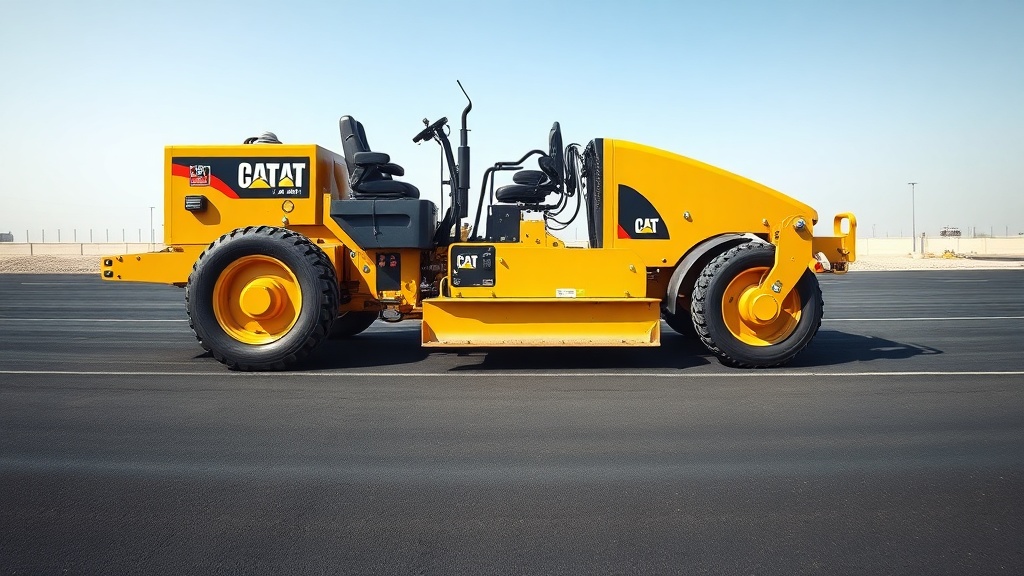
The Caterpillar AP555F is a versatile asphalt paver known for its reliable performance in road construction and paving projects. Its screed electrical system, however, can present unique troubleshooting challenges that require a systematic approach. This guide provides a practical, step-by-step method for diagnosing and resolving common electrical issues in the AP555F screed, helping operators and technicians minimise downtime and maintain paving quality.
1. Why Is My Caterpillar AP555F Screed Not Heating Up?
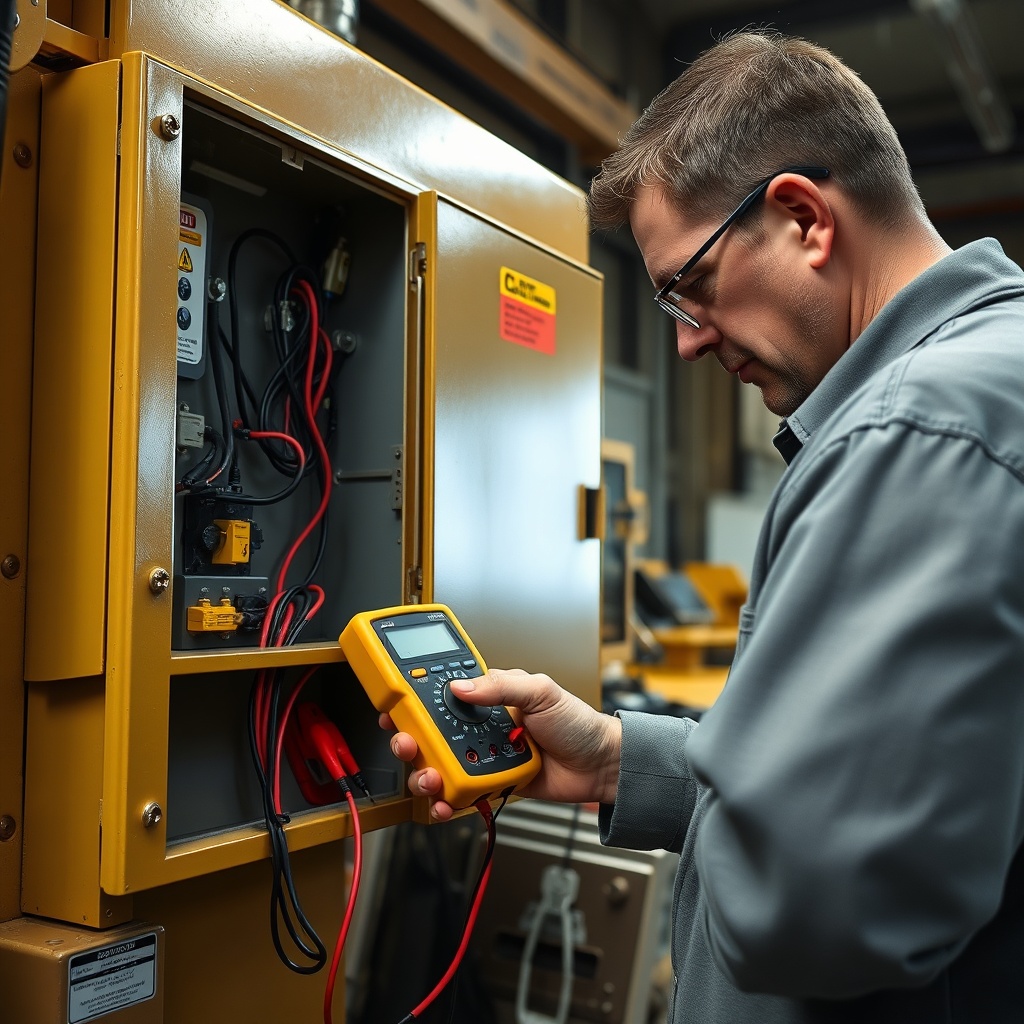
One of the most frequent complaints involves the screed failing to reach operating temperature. This issue often stems from faulty heating elements or control circuitry. First, check the main power relay in the electrical control box—often located behind the operator station. Use a multimeter to verify 24 V DC at the relay input when the ignition is on. If voltage is present but the relay does not click, replace the relay. Next, inspect the heating element connections on the screed plate for corrosion or loose terminals. For a detailed procedure on replacing the screed plate, refer to our Caterpillar AP555F Screed Plate Replacement Procedure. Common failure points include burnt-out elements due to continuous high-temperature operation. Test each element with an ohmmeter—typical resistance should be between 0.5 and 2.0 ohms. If any element reads open circuit, replace it immediately.
2. How Do I Diagnose Intermittent Screed Vibrator Malfunctions?
Intermittent vibrator failures can seriously affect mat compaction. Begin by checking the vibrator motor fuses and circuit breakers in the main electrical panel. A blown fuse often indicates a short circuit in the vibrator motor windings. Measure the motor’s resistance between each phase and ground—if below 10 megohms, the motor insulation has failed. Also inspect the wiring harness for chafing near the screed extension pivot points. For comprehensive hydraulic system insights that complement electrical troubleshooting, see our Caterpillar AP555F Hydraulic System Maintenance: Essential Tips. Another common cause is a faulty speed sensor on the vibrator shaft. Clean the sensor tip and check the air gap (0.5 to 1.0 mm). If the sensor output signal is erratic, replace it with a genuine Cat part.
3. What Causes the Screed Control Panel Display to Go Blank?
A blank display on the screed control panel is often traced to power supply issues. Measure voltage at the display connector pins—expect a steady 24 V DC. If voltage is present, the display module itself may be defective. Corrosion in the connector pins is another culprit, especially in humid environments. Apply dielectric grease to prevent future issues. If the display flickers or shows garbled text, the CAN bus wiring might be compromised. Check terminations at the main controller, ensuring proper shielding and termination resistors (120 ohms each end). For further details on daily checks to prevent such problems, consult our Caterpillar AP555F Daily Maintenance Checklist for Peak Performance.
4. How Do I Troubleshoot Screed Extend/Retract Electrical Problems?
If the screed extensions fail to move electrically, start with the joystick controller. Test the joystick potentiometer output with a multimeter—a linear change in resistance from 0 to 5 kohms over the full travel indicates proper operation. If readings are erratic, clean or replace the joystick. Next, check the solenoid valves on the hydraulic manifold block; these are often triggered by 24 V DC signals from the controller. Use a test light at the solenoid connector while actuating the control—no light means a wiring break or controller output fault. Common wiring failures occur at the fold‑over harness connector near the screed crown. For a broader view of fuel system reliability, see our Caterpillar AP555F Fuel System Maintenance: A Comprehensive Guide.
5. How Do I Interpret Common Electrical Error Codes on the AP555F?
The AP555F uses a diagnostic system that displays fault codes on the main display. Here is a table covering the most common screed-related error codes:
| Code | Description | Likely Cause | Severity |
|---|---|---|---|
| SCR-01 | Screed Temperature Sensor Open | Broken sensor wire or defective sensor | High – prevents heating control |
| SCR-05 | Left Vibrator Motor Overload | Seized bearing or shorted winding | Critical – stops vibrator operation |
| SCR-12 | CAN Bus Communication Failure | Damaged cable, loose connector, or faulty controller | High – affects multiple functions |
| SCR-19 | Extend Solenoid Open Circuit | Broken wire or solenoid coil failure | Medium – extension inoperative |
| SCR-22 | Control Panel Voltage Low | Weak battery or charging system fault | Medium – erratic display behaviour |
When a code appears, always start by verifying the associated sensor or actuator wiring. Clear the code after repair, then retest. For engine-related codes that may affect power supply, refer to our Caterpillar AP555F Engine System Maintenance: A Comprehensive Guide.
6. What Preventative Maintenance Extends Screed Electrical System Life?
Regular preventative maintenance can dramatically reduce electrical failures. Perform these checks every 100 operating hours:
- Inspect all wiring harnesses for chafing, especially near moving parts like screed extensions.
- Clean and tighten all battery connections, ensuring a clean 24 V supply.
- Check and replace any blown fuses with correct amperage units (typically 10 A, 15 A, and 30 A).
- Apply corrosion-preventive spray to all exposed connectors and terminals.
- Verify ground straps are secure—poor grounds cause intermittent faults.
- Test the alternator output voltage (should be 27.5 to 28.5 V DC under load).
For comparison with other machines and maintenance stack‑ups, see our Caterpillar AP555F vs Bomag BF 600 P-2: Compactor Comparison for Base Course Compaction. By following these steps, operators can catch potential problems early and keep the screed electrical system reliable through demanding paving seasons.
What Owners Say
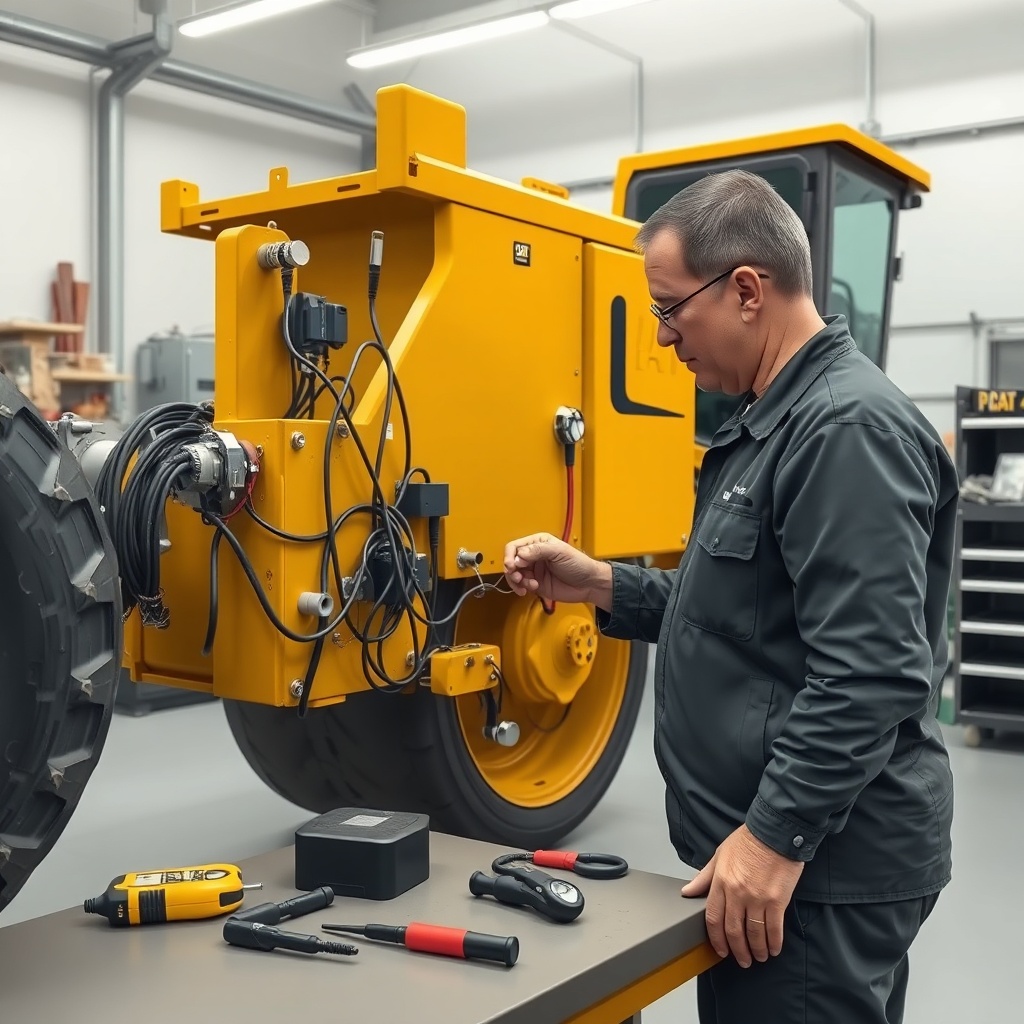
Owners and operators of the Caterpillar AP555F frequently highlight the importance of regular electrical system checks. Many report that the screed heating system is the most common electrical issue, often traced to loose connections rather than component failure. One operator from a mid-sized paving contractor in the UK noted, “We had intermittent heating problems for weeks. Following a systematic wiring check saved us over £1,200 in unnecessary part replacements.” Another owner in Germany emphasised that keeping the CAN bus connectors clean and using dielectric grease has cut downtime by 40%. Several experienced technicians recommend investing in a quality multimeter and carrying spare relays and fuses in the cab. Overall, the consensus is that while the AP555F’s electrical system is robust, proactive diagnostics—rather than guesswork—yields the best long‑term results.
Frequently Asked Questions
Q1: How often should I check the screed electrical connections?
At least every 100 operating hours or before a major paving job, inspect all connectors for corrosion, tightness, and physical damage. More frequent checks in dusty or wet environments are advised.
Q2: Can I use generic heating elements on the AP555F screed?
No. Genuine Caterpillar elements are designed to match the voltage and thermal characteristics. Generic elements can cause uneven heating, overloading, and safety hazards.
Q3: What voltage should the screed control system read?
The system runs on 24 V DC nominal. Under load, you should measure between 23.5 and 24.5 V. Below 22 V may cause erratic operation or fault codes.
Q4: How do I reset the AP555F after an electrical fault?
Turn the ignition key off, wait 30 seconds, then restart. If the fault code persists, you must address the underlying issue before the machine clears the code automatically.
Q5: Why does my screed vibrator work only at low speed?
This often points to a faulty vibrator speed controller or a failing motor capacitor. Check the controller’s power supply and the capacitor’s capacitance rating (typically 47–100 µF).
Q6: What is the cost of replacing a screed control panel display?
A genuine Cat display panel typically costs between £850 and £1,450, depending on the supplier and warranty. Labour adds approximately £150–£300 for installation and programming.